> For the complete documentation index, see [llms.txt](https://sdk-doc.tyrads.com/llms.txt). Markdown versions of documentation pages are available by appending `.md` to page URLs; this page is available as [Markdown](https://sdk-doc.tyrads.com/v3.0/unity/installation.md).
# Installation
The **TyrAds Unity SDK** available from a Git URL. To install:
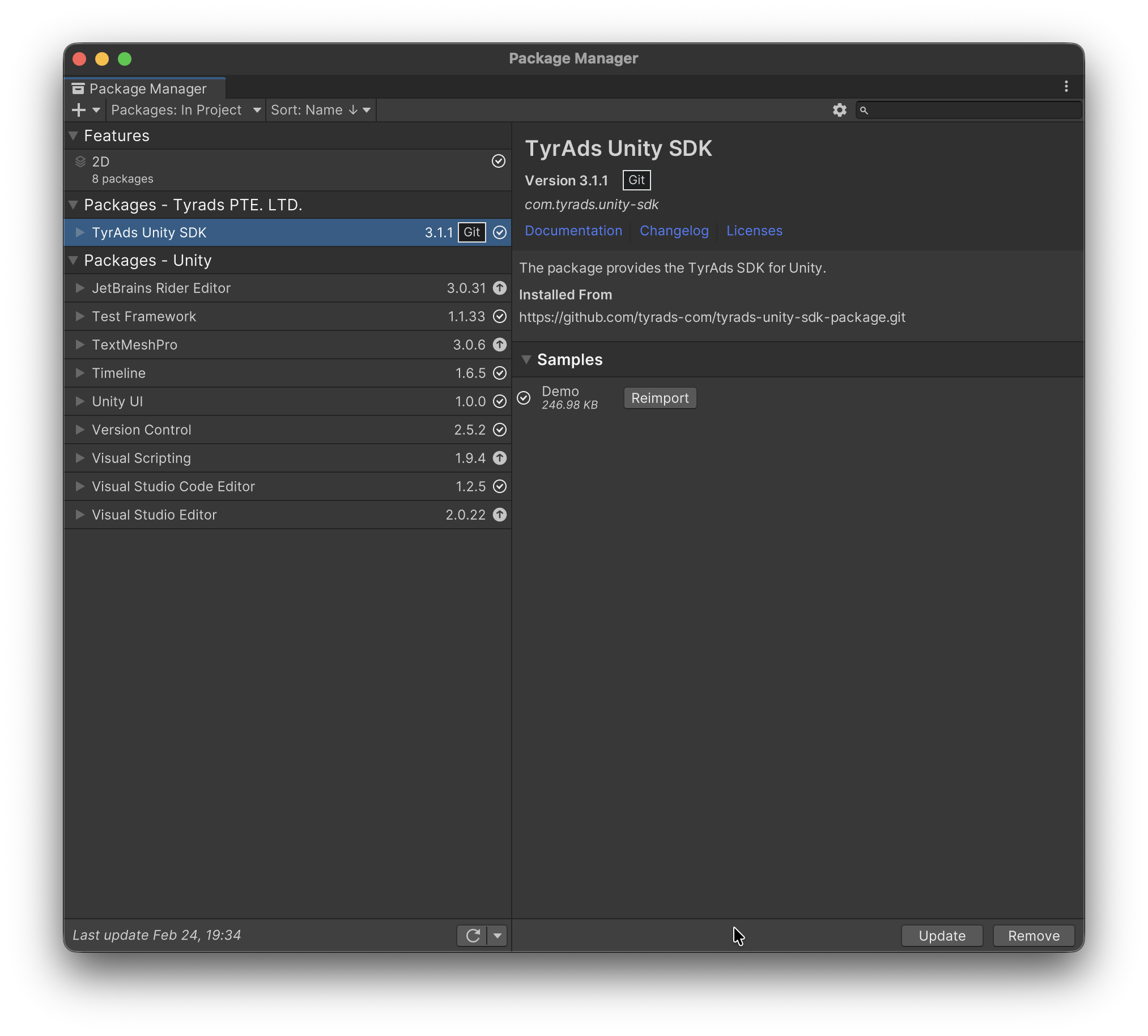
1. Open the ***Package Manager*** window in Unity, if it’s not already open.
2. Open the ***Add (+)*** menu in the Package Manager’s toolbar.
3. Select ***Install package from git URL*** from the install menu.
4. Enter a Git URL in the text box:\
`https://github.com/tyrads-com/tyrads-unity-sdk-package.git`
5. Select \`***Install***\`.
{% hint style="info" %}
If you want to check for updates and update **TyrAds Unity SDK** dependency to the latest version from the repository, click ***Update*** in the ***Package Manager*** window.
{% endhint %}
If you want to install a certain version of the **TyrAds Unity SDK** you can specified a version in the Git URL (example):
```
https://github.com/tyrads-com/tyrads-unity-sdk-package.git#v4.0.0-pre.2
```
To explore how to use the TyrAds Unity SDK, import the *Demo* example from the package’s Samples section in the Unity Package Manager.
### Required Android Permissions
To ensure proper SDK functionality, configure your main AndroidManifest.xml at:
```
Assets/Plugins/Android/AndroidManifest.xml
```
You can either:
* Copy the reference manifest as your main file from Assets/Plugins/TyrAdsSDK/AndroidManifestReference/AndroidManifest.xml, or
* Add the following permissions manually to your existing manifest:
```xml
```
**Important Notes:**
* **Placement:** Add the permissions **inside the `` tag but outside the `` tag**.
* **Manual Integration:** These permissions are **not added automatically** due to a conflict with main `AndroidManifest` Make sure to insert them manually.
* **Minimum SDK Requirements:**
* `QUERY_ALL_PACKAGES` and `PACKAGE_USAGE_STATS` may require your app to target **API level 30+**.
* Google Play may require justification for using `QUERY_ALL_PACKAGES`.